HQ mode
HQ oversamples per-band saturation to reduce aliasing. A saturator creates new harmonics; those above half the sample rate fold back into the audible range as tones that don’t follow the pitch of the music. The HQ pill in the header applies oversampling to every band’s saturation.
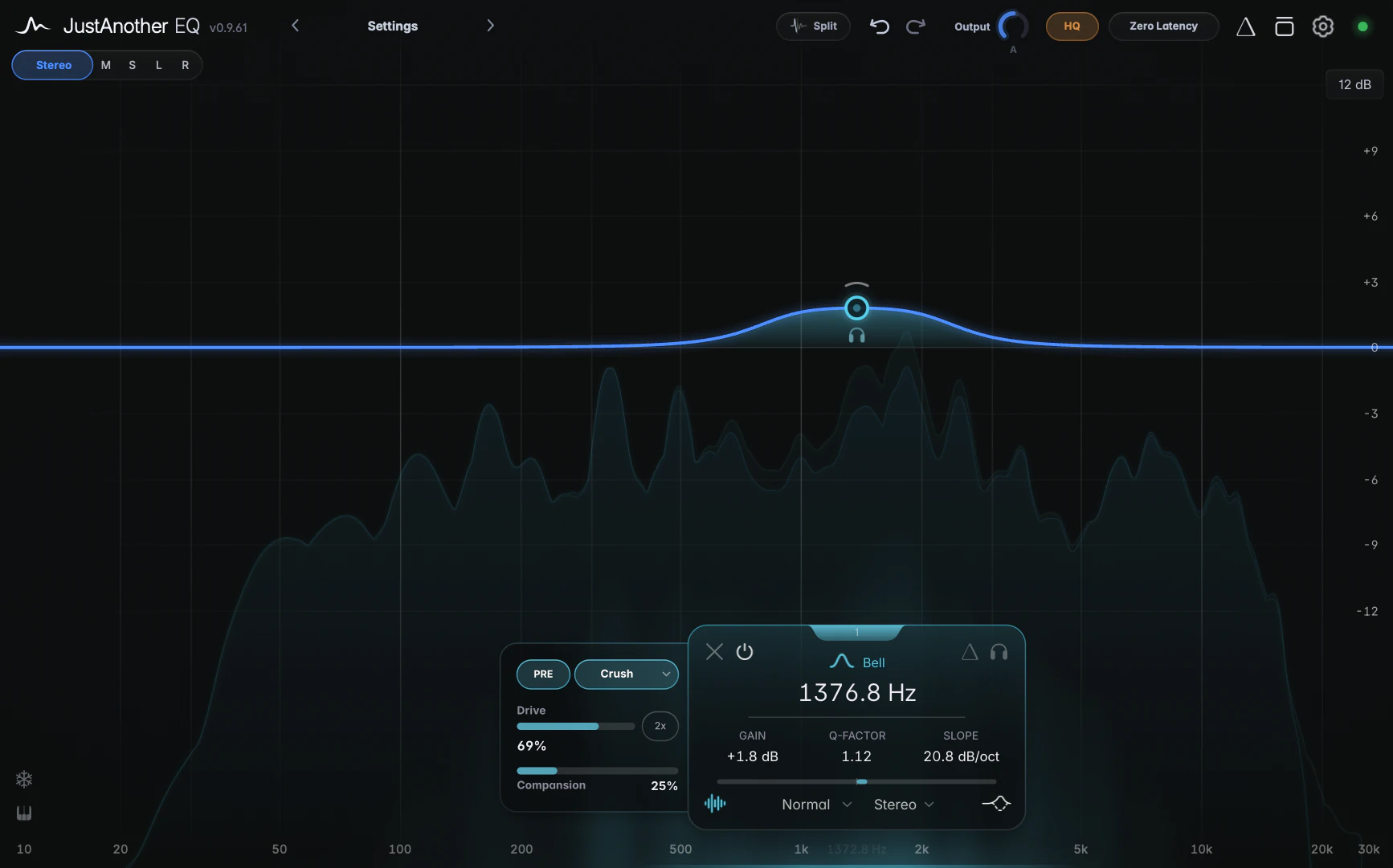
The HQ pill sits between the Output knob and the Processing pill, and only appears while at least one active band has saturation on. Click it to switch HQ on (the pill turns amber) or off. It applies to every saturated band in the instance.
What it costs
With HQ on, each saturator runs at eight times the sample rate. This uses more CPU for every saturated band, and adds about 0.14 ms of latency at 44.1 kHz per band with saturation on, at most about 0.4 ms. Your host compensates automatically (see Latency).
HQ on Render
HQ on Render in Settings switches HQ on automatically for offline bounces and exports, while live playback runs without it. It’s off by default and applies to every instance in every project.
Which to use?
Leave HQ off while mixing and use HQ on Render if you want oversampling during export without its CPU cost during playback. Switch HQ on during playback if you hear aliasing, particularly with Crush or high Drive on bright material. Standard mode is usually enough for gentle Warm saturation.
Notes
- HQ is saved with your session and in presets, so loading a preset can switch it on or off. It can’t be automated.